HAT installation
To install and update HAT, there is an installer that takes care of most of the patching work.
Requirements
Before patching, you need to:
- Obtain a copy of FEZ (preferably the PC 1.12 version, which is available on Steam or GOG).
- Download the stable release of the HAT installer.
- On Linux and macOS, install the Mono package.
Patching
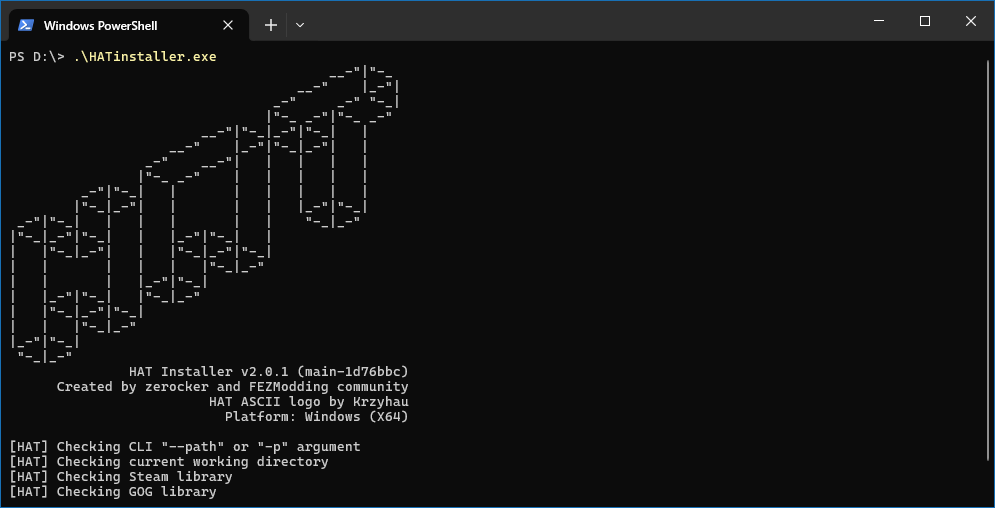
Run the installer. It searches for the FEZ executable in this order:
- The path passed with
--pathor-p. - The current working directory.
- The Steam library.
- The GOG library.
If the installer cannot find the game executable, either move the installer into the FEZ game directory and run it there, or pass the game directory explicitly:
.\HATinstaller.exe --path "C:\Program Files (x86)\Steam\steamapps\common\FEZ"
Launching
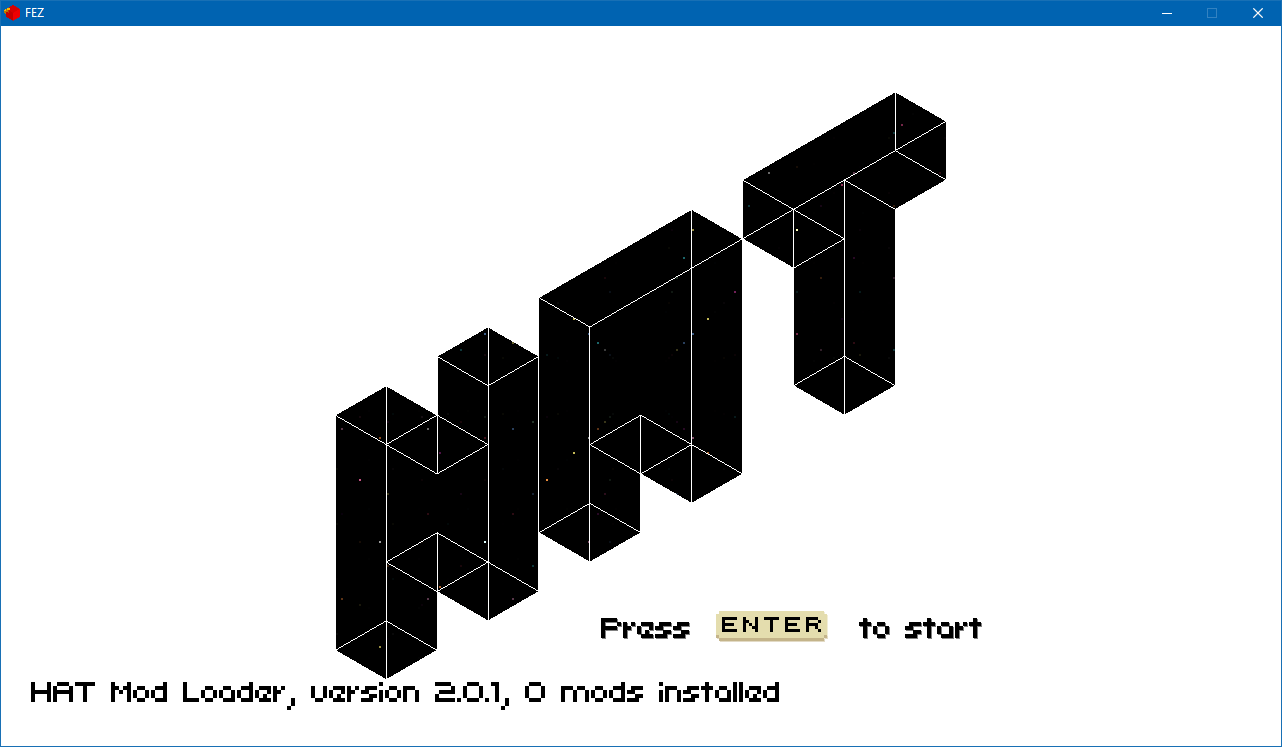
After installation, the installer produces a patched version of the original FEZ executable. It is called HAT.exe on Windows and HAT on Linux and macOS. To use the vanilla version, start the original FEZ executable instead.
Updating
To update HAT, download the newer installer and run it against the same FEZ directory.
Modding
Start the game through HAT once. It will create the Mods directory.
To install a mod, place the mod's folder or .zip archive inside Mods. A valid HAT mod has a Metadata.xml file at the root of the folder or archive.
For more details about valid mod layouts, see HAT mod structure.
Troubleshooting
Mod is not loading
If a mod fails to load, check the latest log file in the Debug Logs directory inside game's data folder:
| OS | Default FEZ application data directory |
|---|---|
| Windows | %APPDATA%/FEZ/ |
| Linux | $XDG_DATA_HOME/FEZ/ or ~/.local/share/FEZ/ |
| macOS | ~/Library/Application Support/FEZ/ |